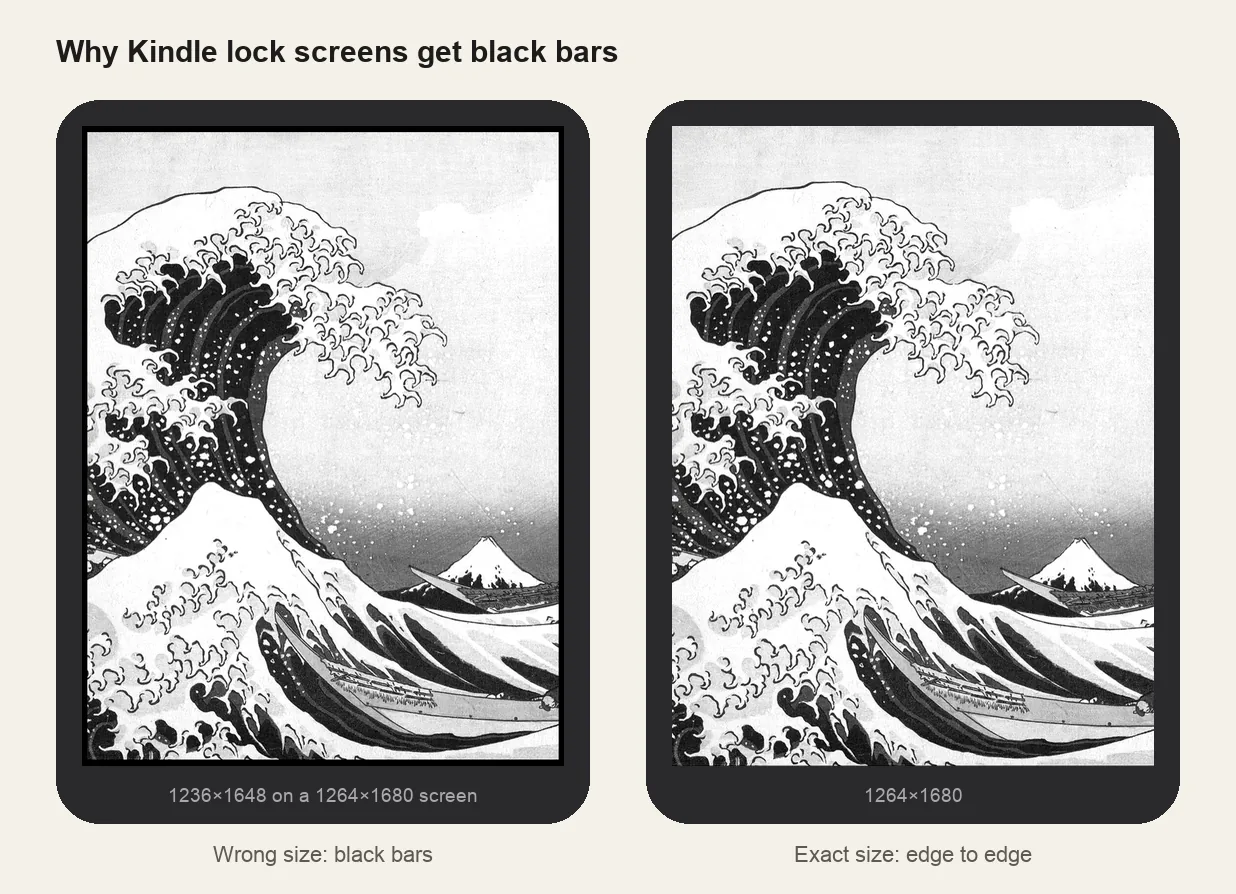
Canva is a great place to design a lock screen: quotes, collages, your current read. Two things trip people up: the canvas size has to match your Kindle exactly, and Kindle can't use the PNG Canva gives you. Here's the whole workflow.
1. Create a design at your Kindle's exact size
- In Canva, choose Create a design → Custom size.
- Set the unit to px and enter the width and height for your model from the table below.
- Click Create new design. Custom sizes work on the free plan.
| Reader | Width | Height |
|---|---|---|
| Kindle Paperwhite (2024 / 2026, 7") · Signature | 1264 px | 1680 px |
| Kindle Colorsoft (2024–2026) · Signature · Kids | 1264 px | 1680 px |
| Kindle (2022 / 2024 / 2026, 6") · Kids | 1072 px | 1448 px |
| Kindle Paperwhite (2021, 6.8") · Signature · Kids | 1236 px | 1648 px |
| Kindle Scribe (2025 / 2026, 11") | 1980 px | 2640 px |
| Kobo Clara BW · 2E · HD | 1072 px | 1448 px |
| Kobo Libra 2 | 1264 px | 1680 px |
| Xteink X4 / X4 Pro | 480 px | 800 px |
Every other model is in the screen size chart. If you're unsure which Kindle you have, take a screenshot on it (tap two opposite corners at once) and use that screenshot's size.
2. Design for e-ink, not for your phone
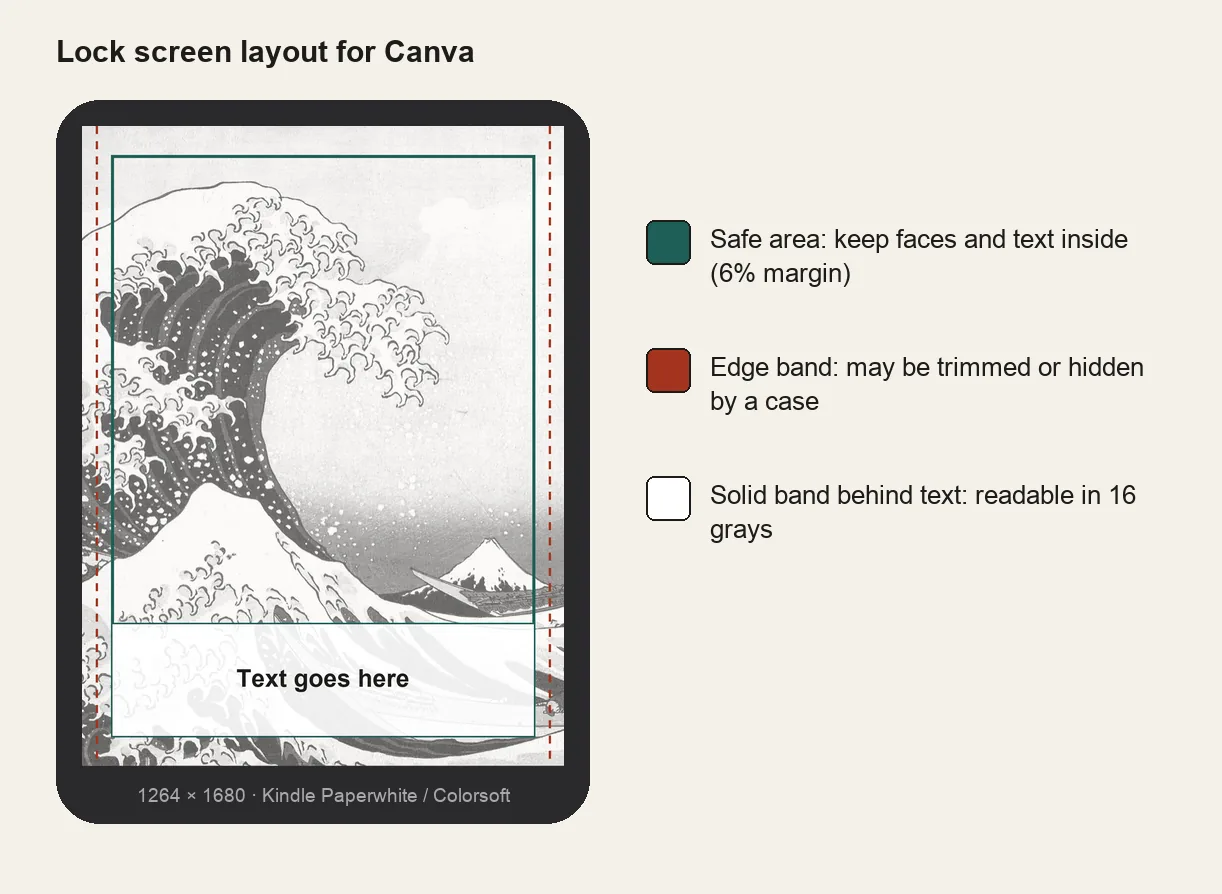
- Keep a 6% margin. Edges can be hidden by a case or trimmed slightly, so keep faces and text away from them.
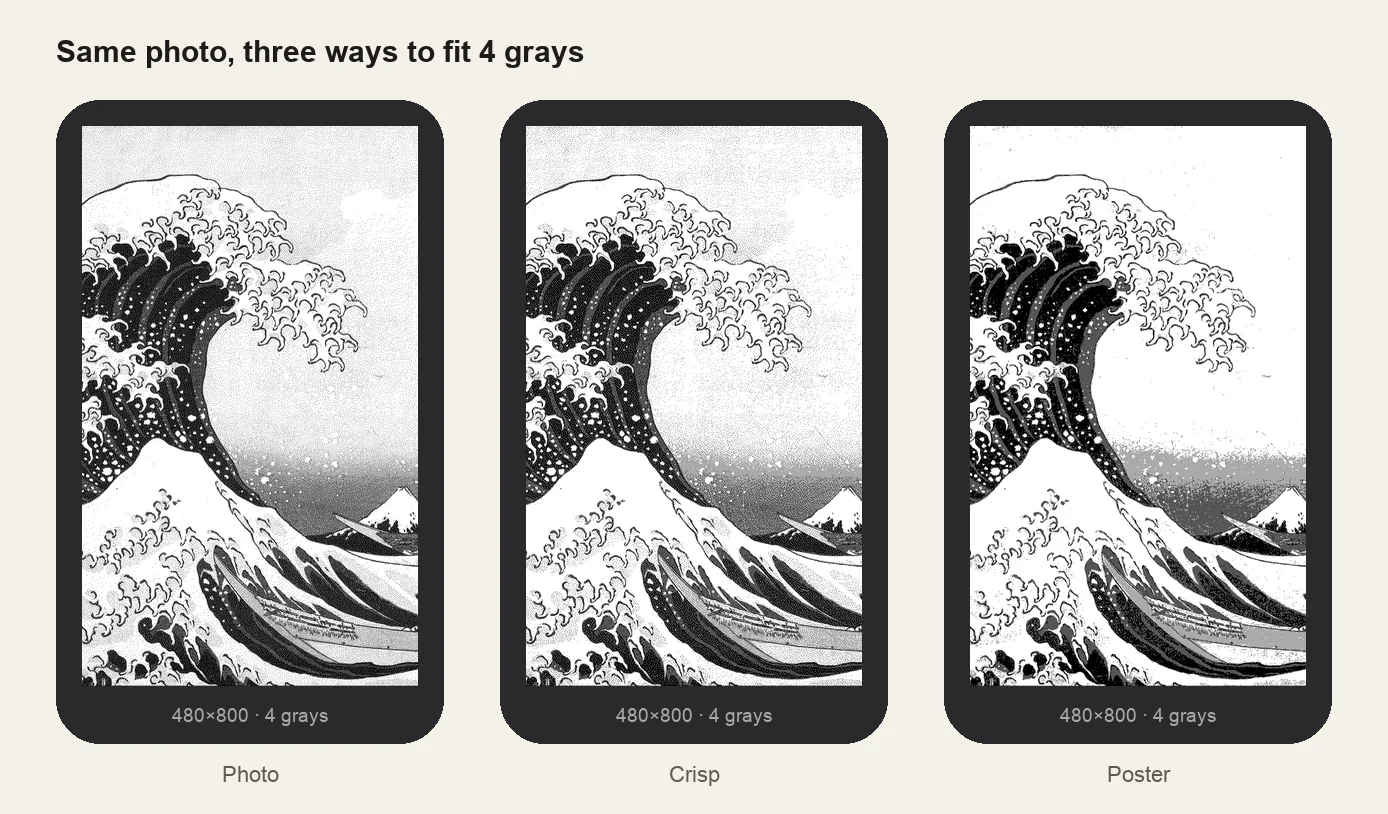
- Check it in grayscale. Every Kindle except Colorsoft shows 16 grays. In Canva, select an image → Edit → Adjust and drag Saturation to −100 to preview. Colors that look different in color can turn into the same gray.
- Use bold type and solid backgrounds behind text. Thin script fonts and text over busy photos break up on e-ink.
- Add contrast. Designs that look soft on your phone look flat on e-ink. Push contrast further than feels natural.
3. Download as PNG
Choose Share → Download, file type PNG, at the default size. Don't use JPG with heavy compression; e-ink makes compression artefacts more visible.
4. Turn the PNG into a Kindle lock screen
Kindle doesn't accept images as lock screens. It shows the cover of the last book you opened. Upload the PNG to the Kindle lock screen maker, choose your model, and download the EPUB: a one-page book whose cover is your design, at the exact screen size. Then:
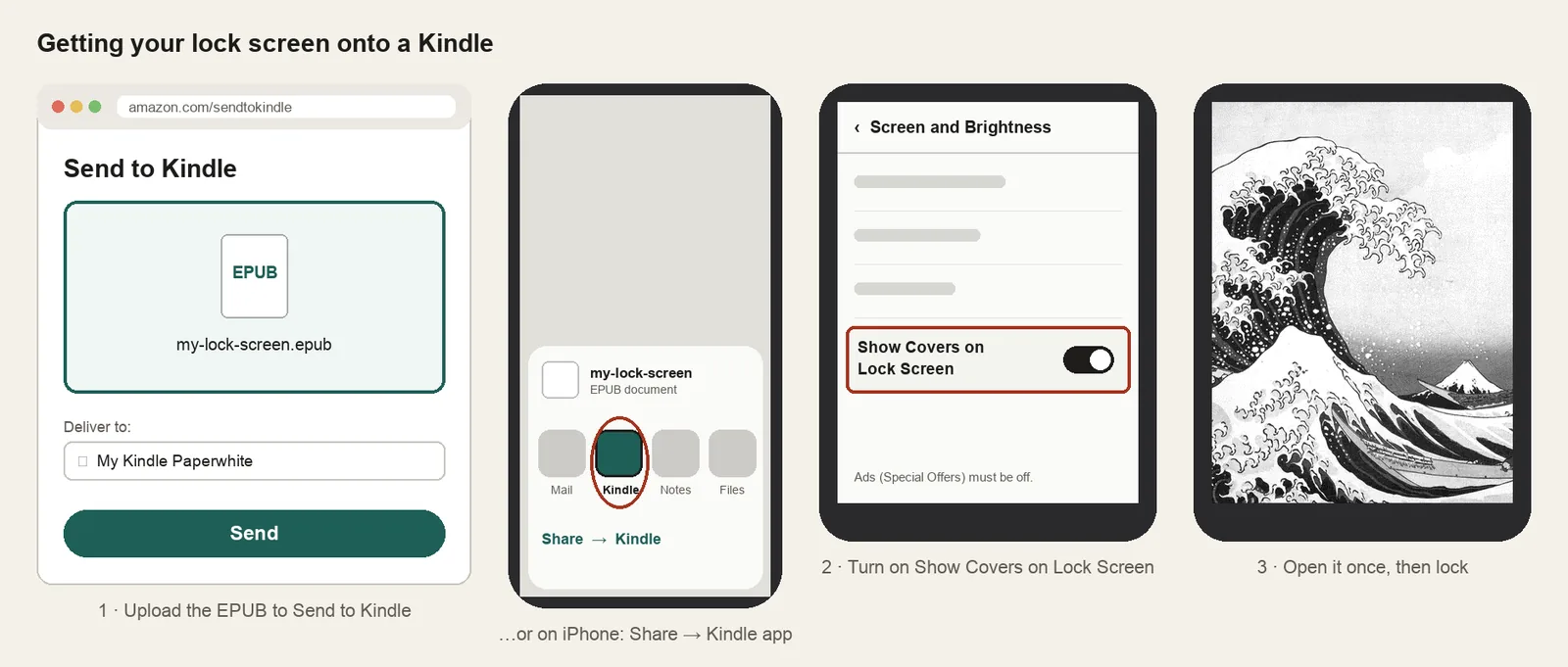
- Send the EPUB with Send to Kindle. On iPhone, open the file, tap Share and choose the Kindle app.
- Turn on Show Covers on Lock Screen (Settings → Screen and Brightness; ads must be off).
- Open the book once and lock your Kindle.
On Kobo or Boox you can skip this step: copy the PNG straight to the device. See the Kobo and Boox pages. Something not working? Check the troubleshooting guide.